
LO Frequency: LNB and BUC Conversion Guide
Calculate LO frequency for LNB and BUC conversion. Learn RF/IF equations, injection side, spectral inversion, worked examples, and commissioning checks.
What changed: Replaced band-wide LO assumptions with product-specific datasheet examples, corrected the mixer equations for both injection sides and BUC sidebands, added reproducible receive and transmit calculations, qualified the legacy transmit example, and refreshed its official source link.
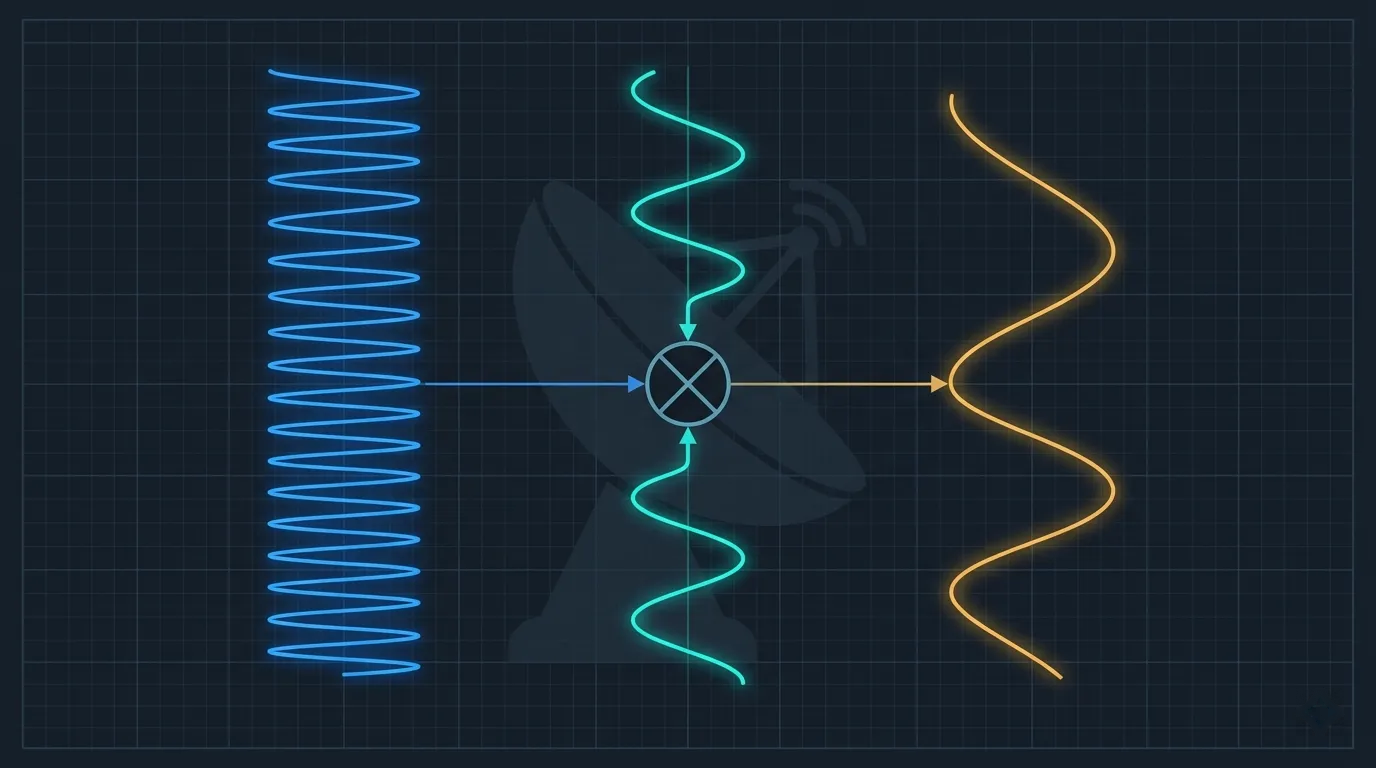
An LO frequency is the local-oscillator frequency used by a frequency converter to translate a carrier between radio frequency (RF) and intermediate frequency (IF). In a satellite terminal, the receive converter is normally an LNB and the transmit converter is normally a BUC. The LO is not the carrier and does not contain user data.
The arithmetic is simple only after four facts are known:
- the assigned carrier frequency and its reference plane;
- the actual LNB or BUC model, part number, and selected mode;
- the active LO frequency; and
- whether the wanted mixing product is above or below the LO.
Do not choose an LO from the words C-band, Ku-band, or Ka-band alone. Products in the same named band can use different LOs, RF ranges, IF ranges, filters, and switching logic. Read the unit label and the exact hardware datasheet before calculating a modem frequency.
Satellite Frequency Bands | BUC vs LNB vs LNA | Terminal Commissioning
LO Frequency Formula
An ideal mixer produces sum and difference terms. The downstream filter and converter architecture select the wanted term. The general frequency relationship is:
fproducts = fLO + fsignal and |fLO - fsignal|For receive downconversion, the selected difference term is usually written:
fIF = |fRF - fLO|For transmit upconversion, a BUC may select either side of its LO:
upper-side conversion:  fRF = fLO + fIF
lower-side conversion:  fRF = fLO - fIF
The BUC datasheet or integration manual must identify which relationship applies. RF = LO + IF is common, but it is not a universal rule. Analog Devices' mixer design handbook describes the sum and difference products and defines low- and high-side injection.
Use one unit throughout a calculation. Converting every input to megahertz is convenient:
11.850 GHz = 11,850 MHz
10.000 GHz = 10,000 MHz
IF = 11,850 - 10,000 = 1,850 MHz
Subtracting 10.000 GHz directly from 11,850 MHz without first aligning units creates a meaningless result.
Low-Side vs High-Side LO
The injection side describes the LO's position relative to the RF input in a receive converter.
| Receive case | Relationship | Frequency sense at IF | Example |
|---|---|---|---|
| Low-side LO | LO < RF; IF = RF - LO | RF increasing makes IF increase | 11,200 - 9,750 = 1,450 MHz |
| High-side LO | LO > RF; IF = LO - RF | RF increasing makes IF decrease | 5,150 - 3,700 = 1,450 MHz |
With high-side injection, the selected difference product reverses frequency order. This is often called spectral inversion. Whether an installer must select an inverted spectrum option depends on the complete LNB, tuner, demodulator, and I/Q convention; some systems compensate internally. Follow the integration guide instead of assuming that every high-side LNB requires the same modem checkbox.
The absolute-value equation finds the carrier center, but it does not reveal the frequency sense. Record the injection side separately.
Worked Receive Example 1: Ku-Band Low-Side LO
Assume the following declared inputs:
| Input | Value |
|---|---|
| Assigned receive RF center | 11,200 MHz |
| Active LNB LO | 9,750 MHz |
| Selected product | Difference, low-side LO |
Calculate the modem-side center frequency:
IF = RF - LO
IF = 11,200 - 9,750
IF = 1,450 MHz
This result is valid only if the installed LNB is actually operating with a 9,750 MHz LO and its output chain passes 1,450 MHz.
One documented hardware example is Inverto's Single Universal PLL Flange LNB. Its datasheet specifies:
| Selected receive band | RF input | Active LO | IF output |
|---|---|---|---|
| Low | 10.70-11.70 GHz | 9.75 GHz | 950-1950 MHz |
| High | 11.70-12.75 GHz | 10.60 GHz | 1100-2150 MHz |
The same datasheet specifies a 22 kHz ± 4 kHz control signal for band switching. These are specifications for that product, not proof that every Ku LNB has the same LO pair or control behavior.
For the example carrier, choosing 10,600 MHz instead of 9,750 MHz would produce:
|11,200 - 10,600| = 600 MHzThat is 850 MHz away from the correct 1,450 MHz result. It is also outside the 1,100-2,150 MHz high-band output range published for this device, a second reason the configuration fails its range check.
Worked Receive Example 2: C-Band High-Side LO
Norsat's 5200 C-Band Single-Band PLL LNB provides a concrete high-side example. Its published key specifications list a 3.40-4.20 GHz input, 5.15 GHz LO, and 950-1750 MHz output.
For a 3,700 MHz RF carrier:
IF = LO - RF
IF = 5,150 - 3,700
IF = 1,450 MHz
Check the two edges of the published RF range:
| RF input | Calculation | IF output |
|---|---|---|
| 3,400 MHz | 5,150 - 3,400 | 1,750 MHz |
| 4,200 MHz | 5,150 - 4,200 | 950 MHz |
The higher RF edge maps to the lower IF edge. That reversal is the practical signature of high-side injection. It also independently reproduces the manufacturer's published 950-1750 MHz output range.
Do not generalize this example into “all C-band LNBs use 5.15 GHz.” It proves the conversion only for the documented Norsat 5200 configuration.
Worked Transmit Example: Ku-Band BUC
Transmit conversion needs more caution because a mixer creates both LO + IF and LO - IF; the BUC's filtering and design determine which side reaches the RF output.
Comtech EF Data's legacy DST Operator's Guide, Revision 2, dated October 19, 2005, identifies specific Ku BUC part numbers in Section 3.2.2, Table 3-2. It is used here only to demonstrate source-driven conversion arithmetic, not to recommend a current product. For the listed RF/BUC02KU-A-F-T, RF/BUC04KU-A-F-T, and RF/BUC08KU-A-F-T units, the table gives:
- RF output range: 14.00-14.50 GHz;
- LO offset: 13,050 MHz;
- mix setting:
+; and - modem spectrum: normal.
For an assigned RF center of 14,250 MHz on that documented architecture:
RF = LO + IF
IF = RF - LO
IF = 14,250 - 13,050
IF = 1,200 MHz

cross-check: 13,050 + 1,200 = 14,250 MHz
The calculation is reproducible because the product family, RF range, LO, and mix sign are all declared. A different BUC can require a different LO or select the other mixing side.
Wrong-LO transmit error
Suppose an engineer treats 13,000 MHz as the LO when the installed BUC actually uses 13,050 MHz:
incorrectly calculated IF = 14,250 - 13,000 = 1,250 MHz
actual BUC output         = 13,050 + 1,250 = 14,300 MHz
frequency error           = +50 MHz
This is not merely a lock problem. It can place an uplink outside its assigned slot. Do not radiate while testing LO arithmetic. Keep the transmitter muted and obtain NOC authorization before any carrier activation or frequency change.
Datasheet Examples, Not Band Defaults
These examples show why a single “common LO by band” table is unsafe:
| Documented equipment | Direction | Published conversion data | What it demonstrates |
|---|---|---|---|
| Inverto Single Universal PLL Flange LNB | Receive | 9.75 and 10.60 GHz LOs with two RF/IF ranges | One product can have switchable LOs |
| Norsat 5200 C-band PLL LNB | Receive | 5.15 GHz LO; 3.40-4.20 GHz RF to 950-1750 MHz IF | High-side conversion reverses frequency order |
| Comtech-listed legacy Ku BUC part numbers | Transmit | 13.05 GHz offset; 14.00-14.50 GHz RF; + mix | A historical product-specific upper-side BUC calculation, not a current equipment recommendation |
This table is not a shopping list and does not imply interoperability. Before replacing an outdoor unit, also check frequency coverage, impedance, connector, waveguide, reference requirements, power supply, monitoring protocol, gain, output power or noise figure, environmental limits, and modem compatibility. See BUC vs LNB vs LNA for the component roles.
Modem Frequency: RF Entry or IF Entry?
Do not assume that every modem screen expects the same reference plane.
- An IF-mode interface may ask for the L-band center directly. You perform the LO conversion once.
- A terminal-RF interface may ask for the satellite RF center and an LO or frequency offset. The software performs the conversion.
- An integrated terminal profile may select the converter model, LO, mix sign, and spectrum sense together.
Entering a pre-converted IF value into an RF field can apply the conversion twice. Entering RF into an IF field can put the requested frequency outside the modem's range. The commissioning record should therefore name both the number and its reference plane, for example:
RX RF center at LNB input: 11,200 MHz
RX IF center at modem input: 1,450 MHz
LNB LO: 9,750 MHz, low-side
This notation is more reliable than writing only “RX frequency 1450.”
Commissioning Workflow
Use this sequence before touching the frequency settings.
- Confirm the assignment. Record receive or transmit direction, RF center, bandwidth or symbol rate, polarization, satellite/beam, and the stated reference plane.
- Identify the exact outdoor unit. Photograph the label and record manufacturer, complete part number, serial number, and switchable mode.
- Open the matching revision of the datasheet or integration guide. Do not substitute a document for a similar-looking model.
- Record the active LO and selection mechanism. Include tone, voltage, software command, external reference, or hardware switch when applicable.
- Record the mixing side and spectrum setting. Use the manufacturer's
+/-, high-/low-side, normal/inverted, or equivalent terminology. - Normalize units and calculate IF. Use MHz throughout, then perform the reverse calculation as a cross-check.
- Check all ranges. The RF must be inside the selected converter input/output band, and IF must be inside both converter and modem ranges.
- Verify receive with the transmitter muted. Confirm the expected IF on a spectrum display or analyzer and then check modem acquisition. Follow the modem lock troubleshooting guide if the carrier is present but does not lock.
- Coordinate transmit testing. Obtain the assigned test frequency, level, window, contact, and stop condition from the NOC before unmuting.
- Save evidence. Retain the source document revision, calculations, screenshots, measured frequency, and NOC acceptance in the site record.
Range and Sense Checks
A correct subtraction is not enough. Apply all four checks:
| Check | Question | Failure caught |
|---|---|---|
| Arithmetic | Does the selected equation reproduce the requested carrier? | Sign or unit error |
| RF range | Is the carrier inside the active converter RF range? | Wrong band or switched mode |
| IF range | Is the result inside both converter and modem IF ranges? | Impossible tuning request |
| Frequency sense | Does RF increase map to IF increase or decrease as documented? | Missed spectral inversion |
For a receive band, test both RF edges. The two results should reproduce the datasheet's IF edges in the correct order. This catches incorrect LO values and injection-side assumptions before field testing.
LO Accuracy, Stability, and Phase Noise
Three specifications are often confused:
- Nominal LO frequency is the value used for frequency translation.
- Frequency accuracy or stability describes how far the actual oscillator can depart from nominal under stated temperature, aging, or reference conditions.
- Phase noise describes short-term spectral spreading around the oscillator, usually in dBc/Hz at stated offset frequencies.
Do not convert a phase-noise value into a frequency-tolerance value; they measure different behavior. Do not apply generic “PLL” or “DRO” drift ranges to procurement or acceptance. Use the limits, temperature conditions, reference mode, and test method in the exact device datasheet.
As an equipment-specific example, Norsat lists separate 5200 variants with different LO-stability options and also publishes phase-noise limits at 1 kHz, 10 kHz, and 100 kHz offsets. The selected part number matters even within one product family.
ETSI EN 302 307-1 Annex H.8, Table H.1 provides aggregate LNB-plus-tuner phase-noise masks for receiver simulations. Those masks help evaluate carrier-recovery algorithms; they are not a universal LNB acceptance limit. For link design, use the modem vendor's performance data under the applicable phase-noise condition and carry implementation loss consistently in the satellite link budget.
Troubleshooting LO-Related Faults
| Symptom | LO-related hypothesis | Safe check |
|---|---|---|
| Carrier is absent at expected IF | Wrong LO, wrong selected band, or RF/IF field confusion | Re-read the label and calculate both directions with common units |
| Offset equals the gap between two published LOs | Wrong switched-LO state | Verify tone/voltage/software state and active output range |
| Carrier center is present but modem will not demodulate | Wrong spectrum sense, symbol rate, polarization, or signal quality | Compare documented mix/spectrum setting; do not assume LO is the only cause |
| All receive carriers share nearly the same offset | LO configuration error or oscillator offset | Compare multiple known RF/IF pairs and measure after warm-up |
| Offset changes with temperature or time | Oscillator/reference problem | Check reference lock, alarm telemetry, warm-up requirement, and datasheet tolerance |
| Transmit monitor reports a fixed RF error | Wrong BUC LO or mix sign | Mute, recalculate from the exact BUC document, and coordinate the next test with the NOC |
| Calculated IF is outside the device range | Wrong active LO, band, carrier assignment, or units | Stop; do not force the nearest available setting |
LO errors are not the only causes of failed acquisition. Antenna pointing, polarization, cable loss, DC power, symbol rate, roll-off, FEC/MODCOD, and low C/N can produce similar symptoms. Work from configuration evidence before adjusting the antenna.
Frequently Asked Questions
What is LO frequency in an LNB?
It is the oscillator frequency used by the LNB's mixer to translate an incoming satellite RF carrier to IF. For the selected difference product, IF = |RF - LO|. The label or exact LNB datasheet must supply the active LO.
What is LO frequency in a BUC?
It is the oscillator frequency used to translate the modem's IF carrier into the uplink RF band. Depending on the BUC design, the wanted RF can be LO + IF or LO - IF. Use the documented LO and mix sign for the installed unit.
How do I find my LNB or BUC LO?
Read the complete unit label, then verify the value in the matching manufacturer datasheet or integration guide. If the unit has multiple LOs, also determine which one is active and how it is selected. A band name alone is insufficient.
Why does a high-side LO invert the spectrum?
With IF = LO - RF, increasing RF produces decreasing IF. The frequency order is reversed around the LO. The complete receiver may compensate for this, so configure spectrum sense according to the terminal manual.
Is 9.75/10.60 GHz the LO for every Ku LNB?
No. It is a documented dual-LO arrangement on specific universal-type Ku LNBs, including the Inverto example used here. Other Ku products can use different fixed or switchable LOs and different IF plans.
Is 13.05 GHz the LO for every Ku BUC?
No. The legacy Comtech guide cited here assigns 13.05 GHz to specific listed BUC part numbers and a + mix setting. Other Ku BUCs can use another LO or conversion plan; use the current document for the installed hardware.
Does the modem always need an LO value?
No. Some interfaces accept RF plus an LO/offset; others accept IF directly; integrated profiles may hide the calculation. Identify the expected reference plane from the modem or terminal manual and perform the conversion exactly once.
Can I test a new transmit LO by searching for the carrier?
Not without coordination. A wrong LO or mix sign can put RF energy outside the assigned slot. Keep the BUC muted until the NOC provides an authorized test frequency, power, time window, and stop instruction.
Key Takeaways
- Use
IF = |RF - LO|for the selected receive difference product, but record whether the LO is low-side or high-side. - A BUC can select
LO + IForLO - IF; its hardware document decides the sign. - Treat every published LO as a product-and-mode specification, not a frequency-band default.
- State whether every configured frequency is RF or IF and where it is measured.
- Check arithmetic, RF range, IF range, and frequency sense before field testing.
- Keep transmit muted until the calculation and NOC authorization are both complete.
Related guides: Satellite Frequency Bands · BUC, LNB, and LNA · Satellite Modem Lock · Satellite Link Budget
Author

Organizational byline for SATCOM Index technical content. A named technical reviewer appears separately only when identity, scope, and permission are verified.
Categories
More Posts
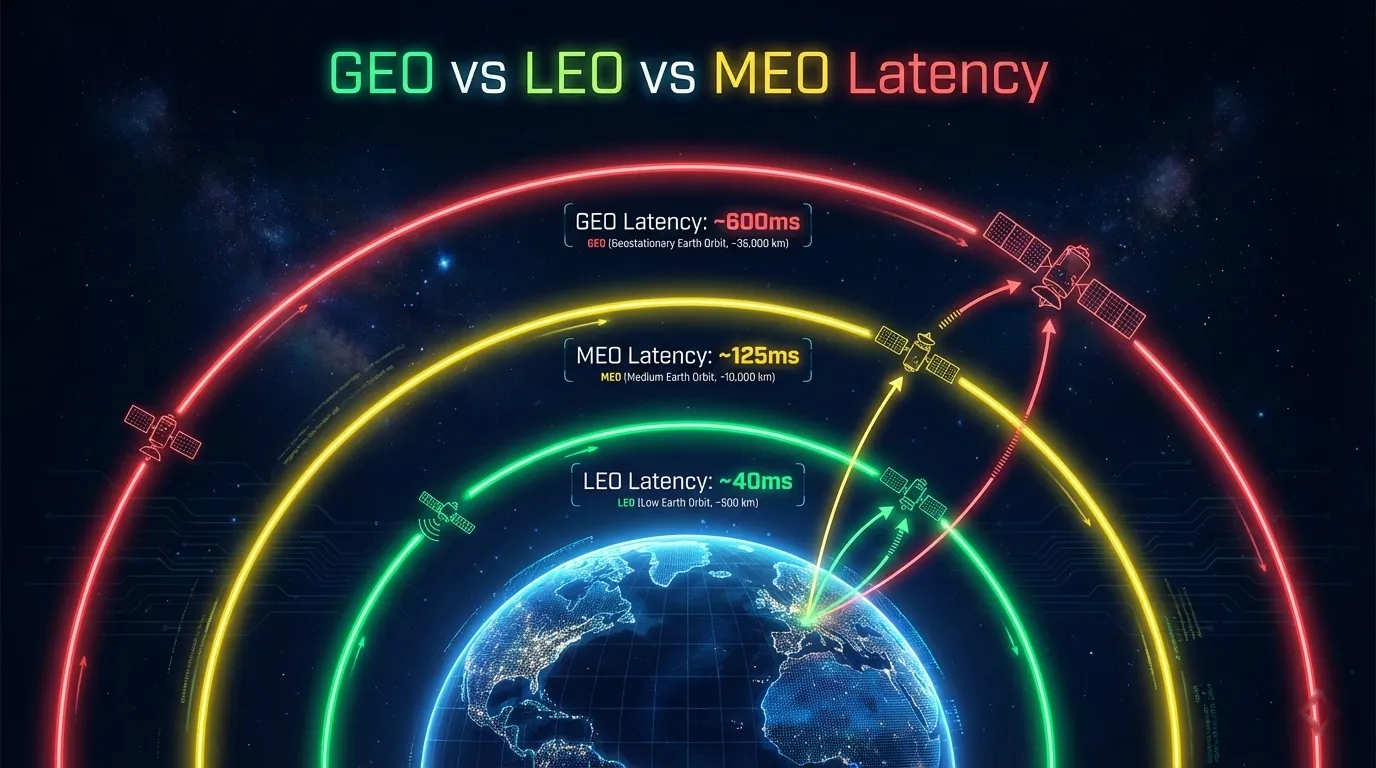
Satellite Latency: GEO vs MEO vs LEO
Calculate satellite latency from path length, then compare GEO, MEO, and LEO propagation floors with service RTT, application limits, and test results.
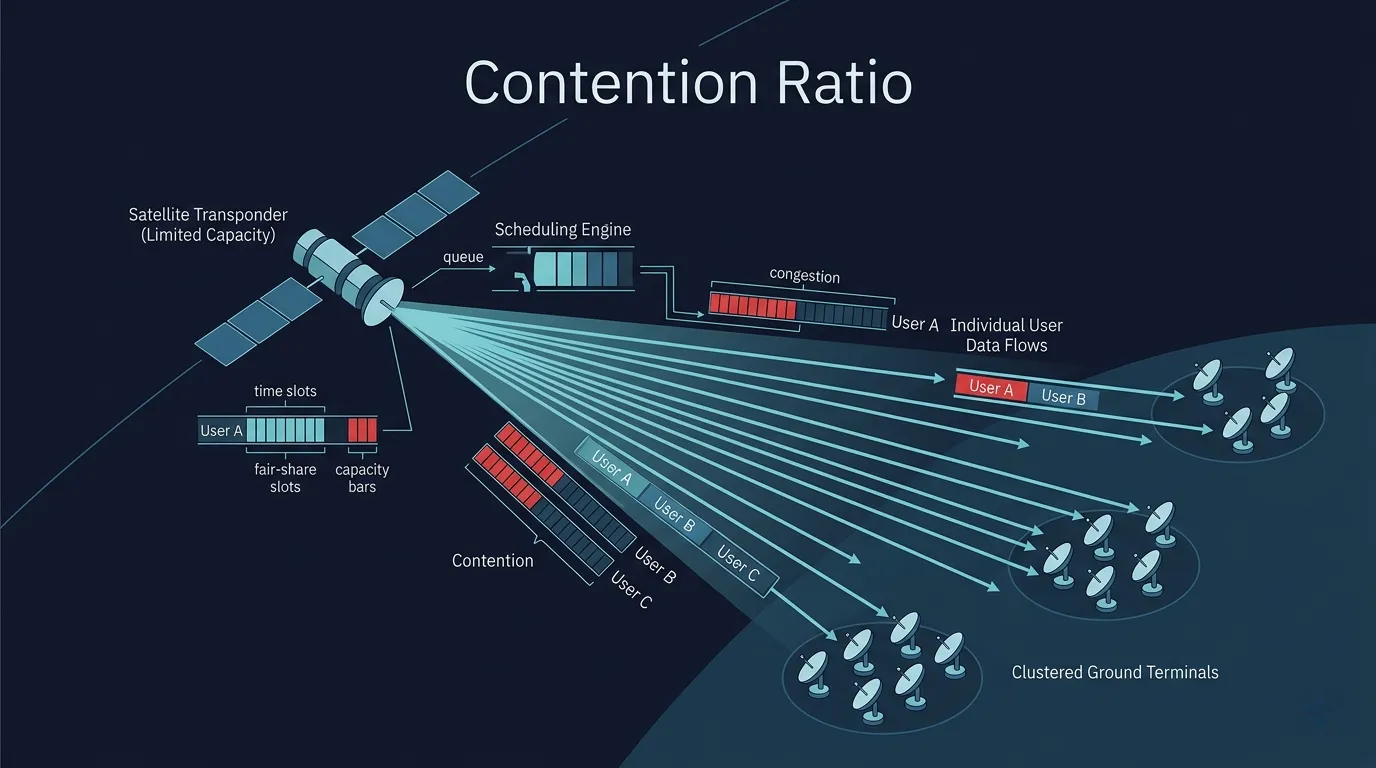
Satellite Contention Ratio Explained: What Shared Capacity Really Means for Performance
Engineering guide to satellite contention ratio covering shared vs dedicated bandwidth, busy-hour behavior, CIR vs contention, use-case trade-offs, and how to evaluate provider offers.

Rain Fade in Satellite Communications: Why It Happens and How Fade Mitigation Works
Engineering guide to rain fade in satellite communications covering absorption and scattering physics, specific attenuation formulas, Ku vs Ka band impact, ACM, UPC, site diversity, and design workflow.